Agency OS
Your artists. Your agency. One private working desk.
Agency OS keeps your roster, requests, holds, contracts, invoices and commissions on track, from the first inquiry to the engagement archive.
Built for Solo managers · Boutique agencies · Established rosters · Artist management
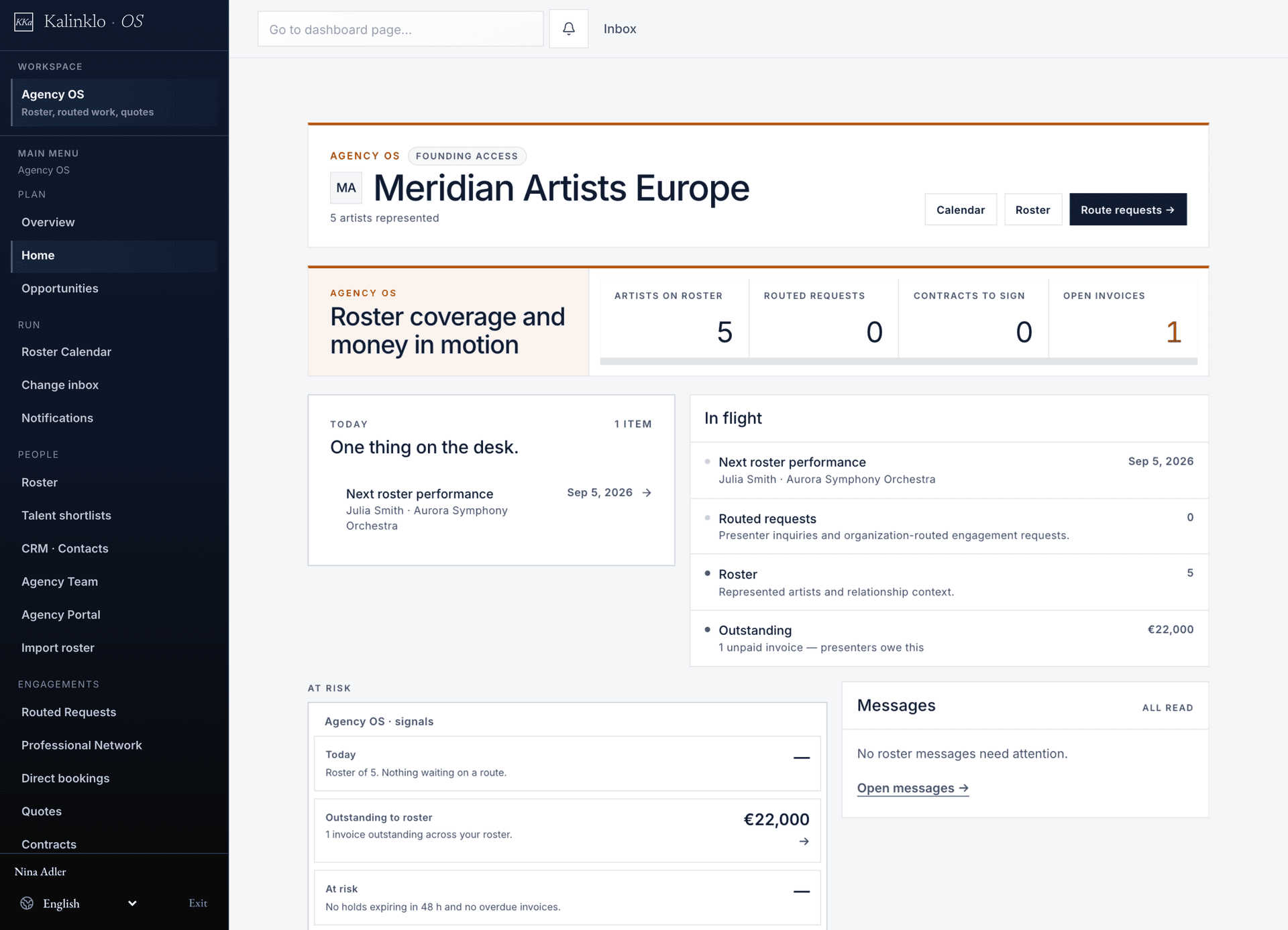
Open full-size workspace image
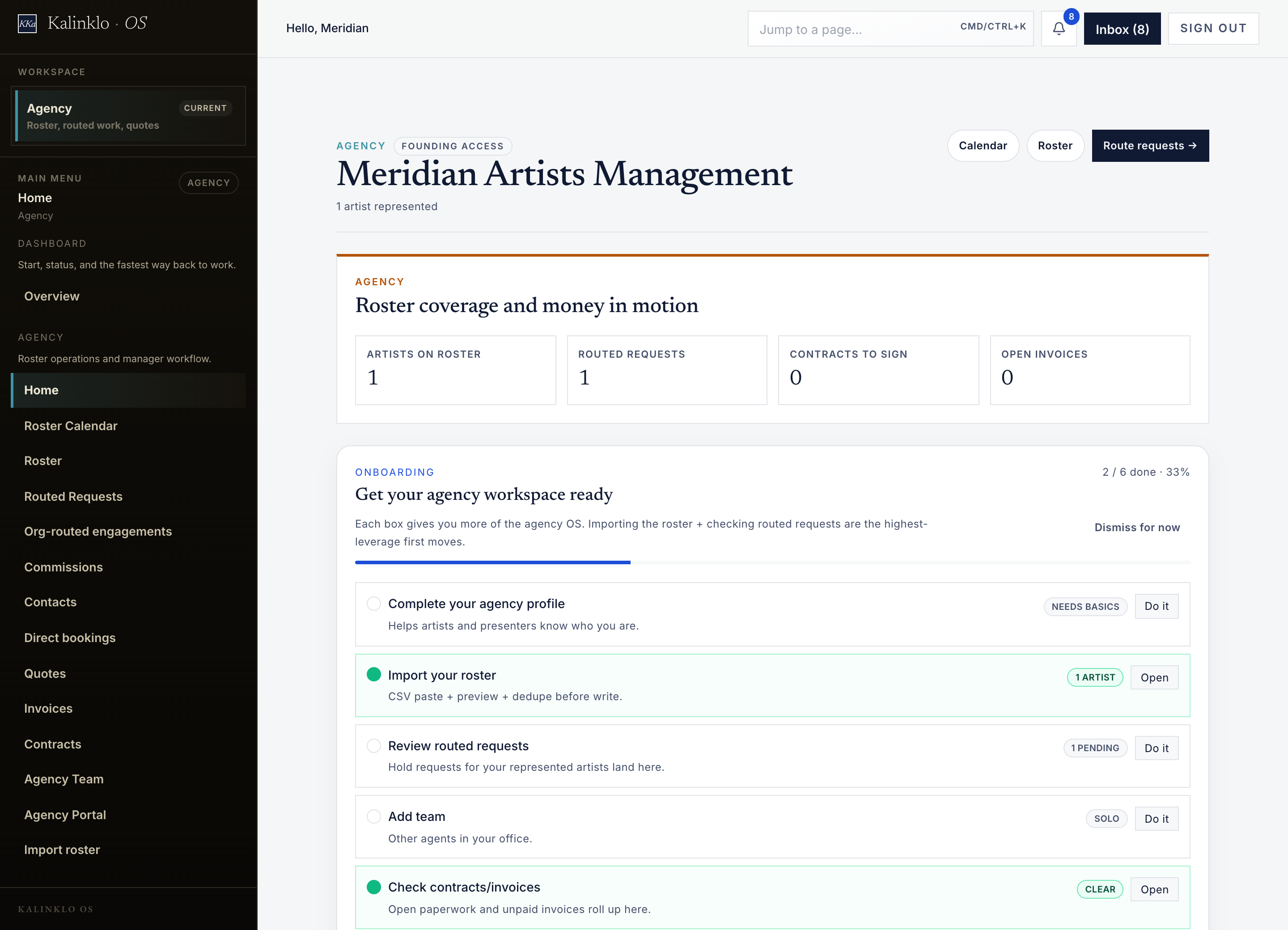
The agency working day
From the roster to the record.
- Know who you represent
- Keep represented artists, availability, territories, and representation terms together. Start with your existing roster.
- Move the conversation forward
- Review routed requests, place holds, and prepare quotes with the artist and engagement in context.
- Keep the commercial trail
- Work with contracts, invoices, commission records, and settlement tracking, according to your plan and permissions. Recording a payment does not transfer funds.
Privacy & access
Your roster stays yours.
Agency OS is software for your agency. Kalinklo Managed Artist is a separate representation service with separate terms; an Agency OS subscription does not enroll your artists in it.
Does importing invite or publish artists?
No. New imported artists start as private profiles without a login. An email in your spreadsheet helps identify matching records; it does not claim an existing artist account or send an invitation.
Agency subscriptions
Choose the desk for your office.
Published monthly prices in USD. Compare the plans and discuss your roster and team needs when requesting access.
What approved access covers
Before payment, an approved agency can set up its office (name, address, staff and roles) and import its roster.
Agency OS Starter adds routed requests, holds, quotes, contracts, invoices and commission records; Agency OS Pro adds settlement tracking, refund and chargeback records and a branded booking portal.
There is no free trial. Subscribe to Agency OS Starter to route requests, place holds, and send quotes, contracts and invoices.
Get started
Ready when you are.
Access is approval-gated and reviewed by hand. For a closer reading of this workspace, see the Help Center article.
Access is reviewed. Features depend on your plan, workspace permissions, and representation authority.